Graphic Design Foundation to Professional Mastery
Course Overview
This comprehensive graphic design course is structured to take you from a complete beginner to a confident, industry-ready designer. You will learn the core principles of visual communication, master essential industry-standard software, and build a professional portfolio that showcases your creative and technical abilities.
Key Course Details
- Duration: 12 Weeks (approx. 4 to 6 hours per week)
- Skill Level: Beginner to Intermediate
- Format: Online (Video lectures, hands-on projects, and peer reviews)
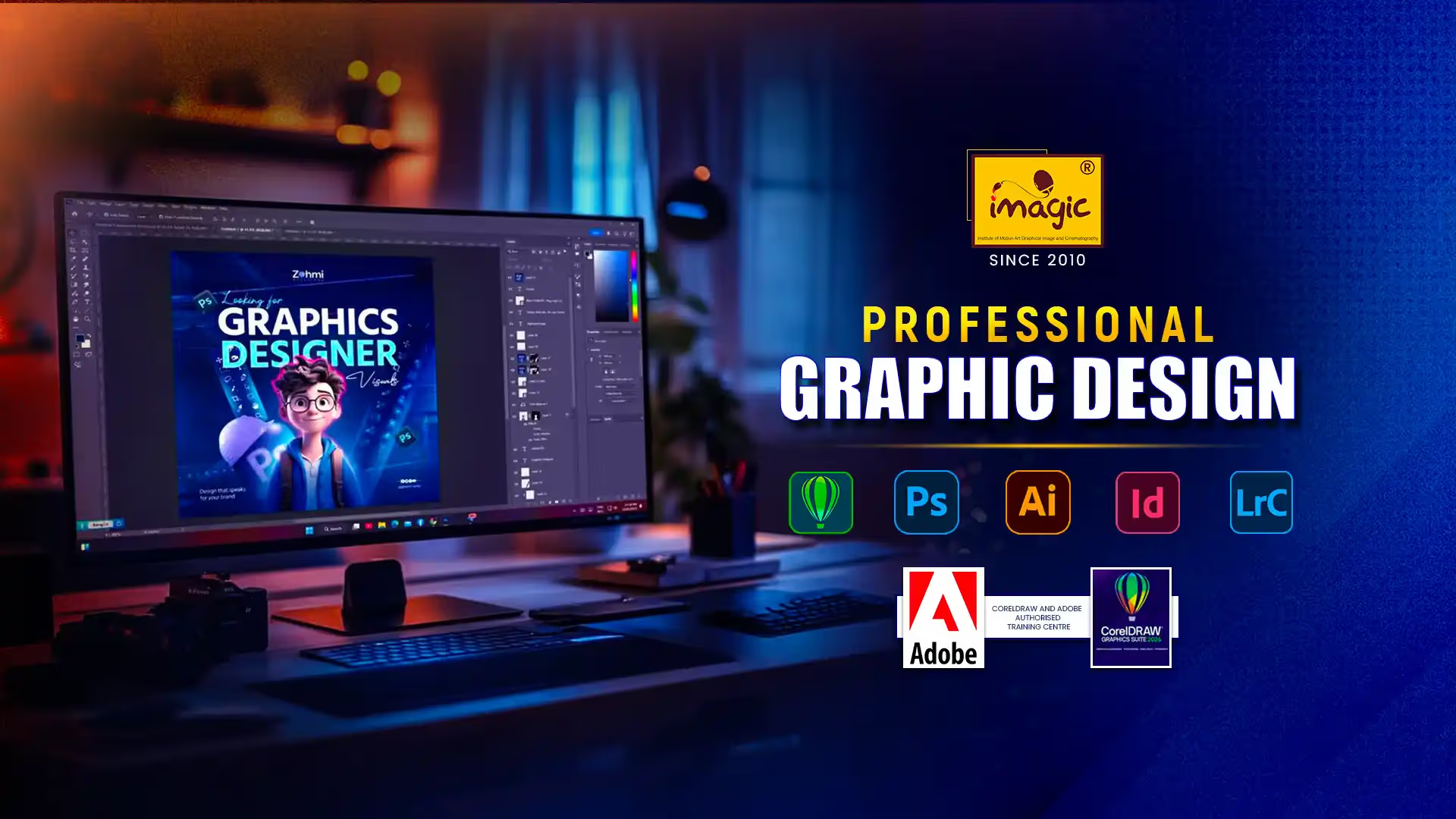
- Tools Covered: Adobe Photoshop, Illustrator, InDesign, and Figma
Module Breakdown
Module 1: Fundamentals of Design (Weeks 1–3)
- Elements and Principles: Master line, shape, color theory, typography, contrast, balance, and hierarchy.
- Design Thinking & Ideation: Learn how to research, brainstorm, and translate concepts into visual sketches.
- Grid Systems: Understand layout structure for print and digital mediums.
Module 2: Mastering Vector Graphics (Weeks 4–6)
- Adobe Illustrator Essentials: Learn the Pen tool, shape builder, pathfinder, and vector manipulation.
- Brand Identity & Logo Design: Design versatile, memorable logos and create cohesive brand style guides.
- Iconography & Vector Illustration: Create custom icons and flat illustrations for web and mobile apps.
Module 3: Image Editing & Raster Manipulation (Weeks 7–8)
- Adobe Photoshop Fundamentals: Explore layers, masks, smart objects, and non-destructive editing.
- Photo Retouching & Compositing: Learn professional skin retouching, color grading, and seamless photo manipulation.
- Social Media Graphics: Design engaging visual assets for Instagram, Facebook, and advertising campaigns.
Module 4: Layouts & Editorial Design (Weeks 9–10)
- Adobe InDesign Essentials: Master multi-page document creation, master pages, and paragraph styles.
- Print Production: Prepare files for print with correct bleed, trim, CMYK color profiles, and pre-flight checks.
- Editorial Projects: Design multi-page brochures, magazines, newsletters, and pitch decks.
Module 5: Portfolio & Career Launch (Weeks 11–12)
- UI/UX Basics: Introduction to digital design principles using Figma for web and landing page mockups.
- Portfolio Building: Curate, present, and showcase your best projects on platforms like Behance or Dribbble.
- Freelancing & Industry Prep: Learn client communication, pricing strategies, contract basics, and interview readiness.